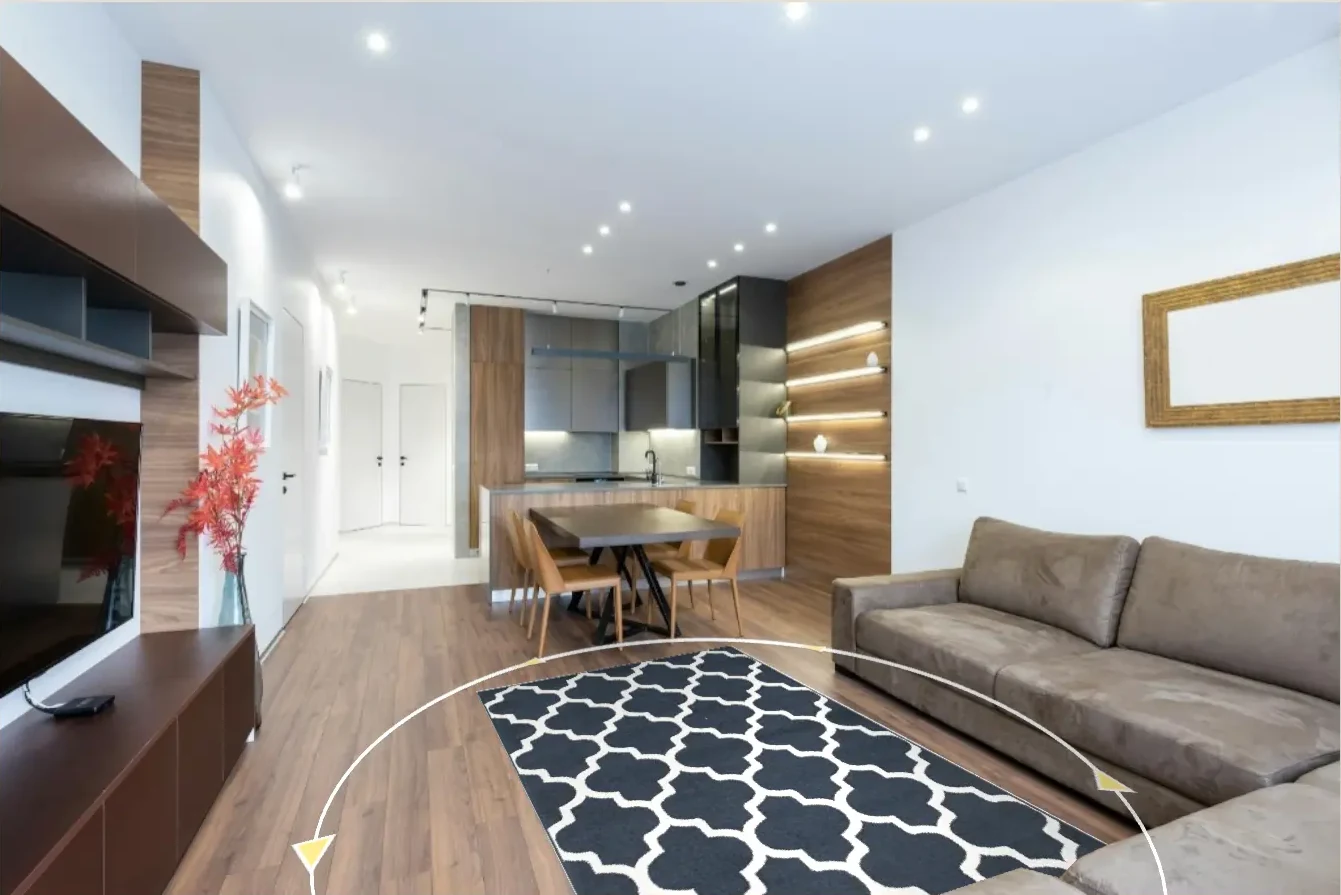
1
Choose the product
Start from catalog imagery, sizes, and product rules.

How it works
A simple path from product data to a buying view customers can trust.
Start from catalog imagery, sizes, and product rules.
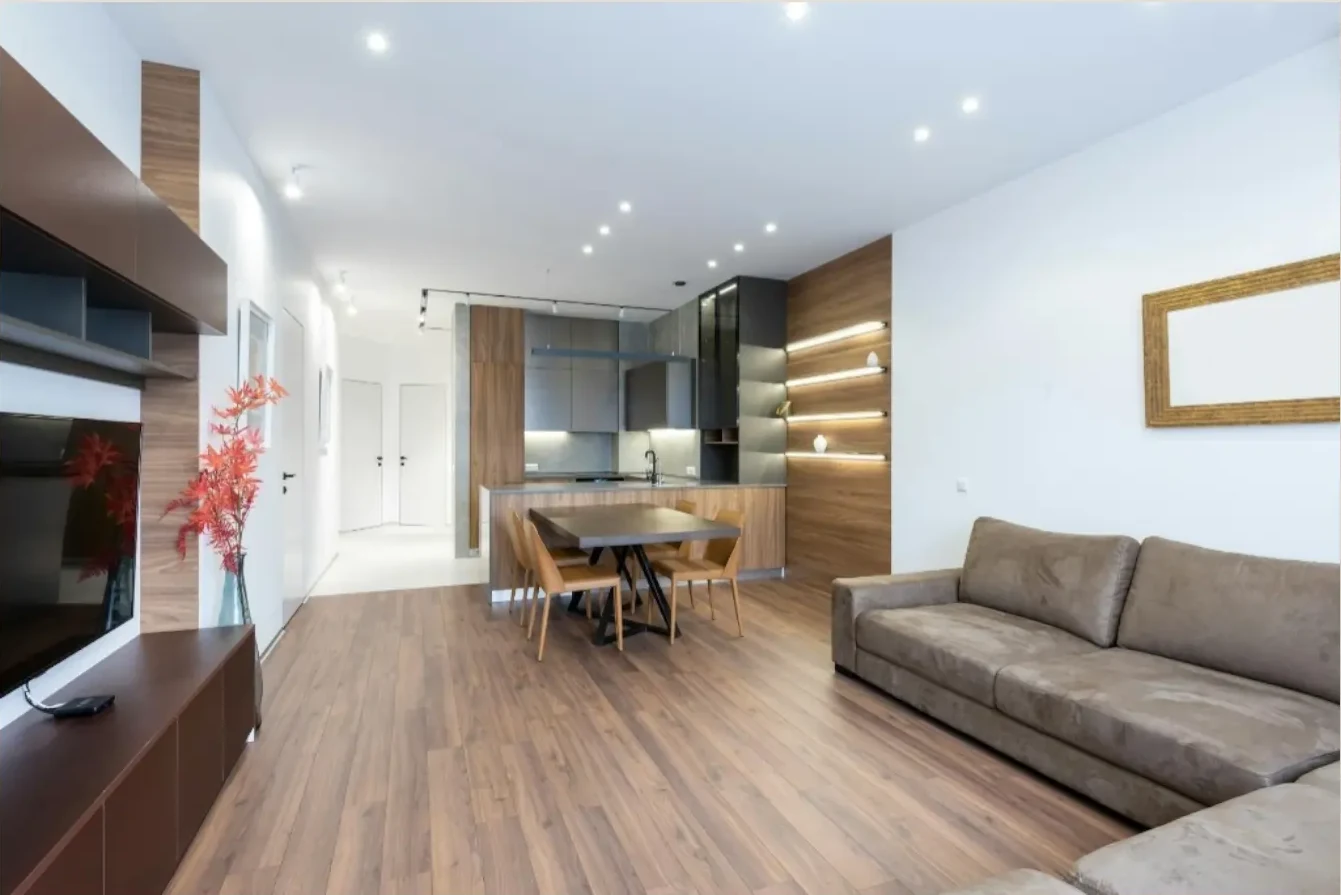
Use a customer photo or a prepared interior scene.
Show scale, placement, and fit inside the room.
Give the buyer a clearer view before purchase.
What changes
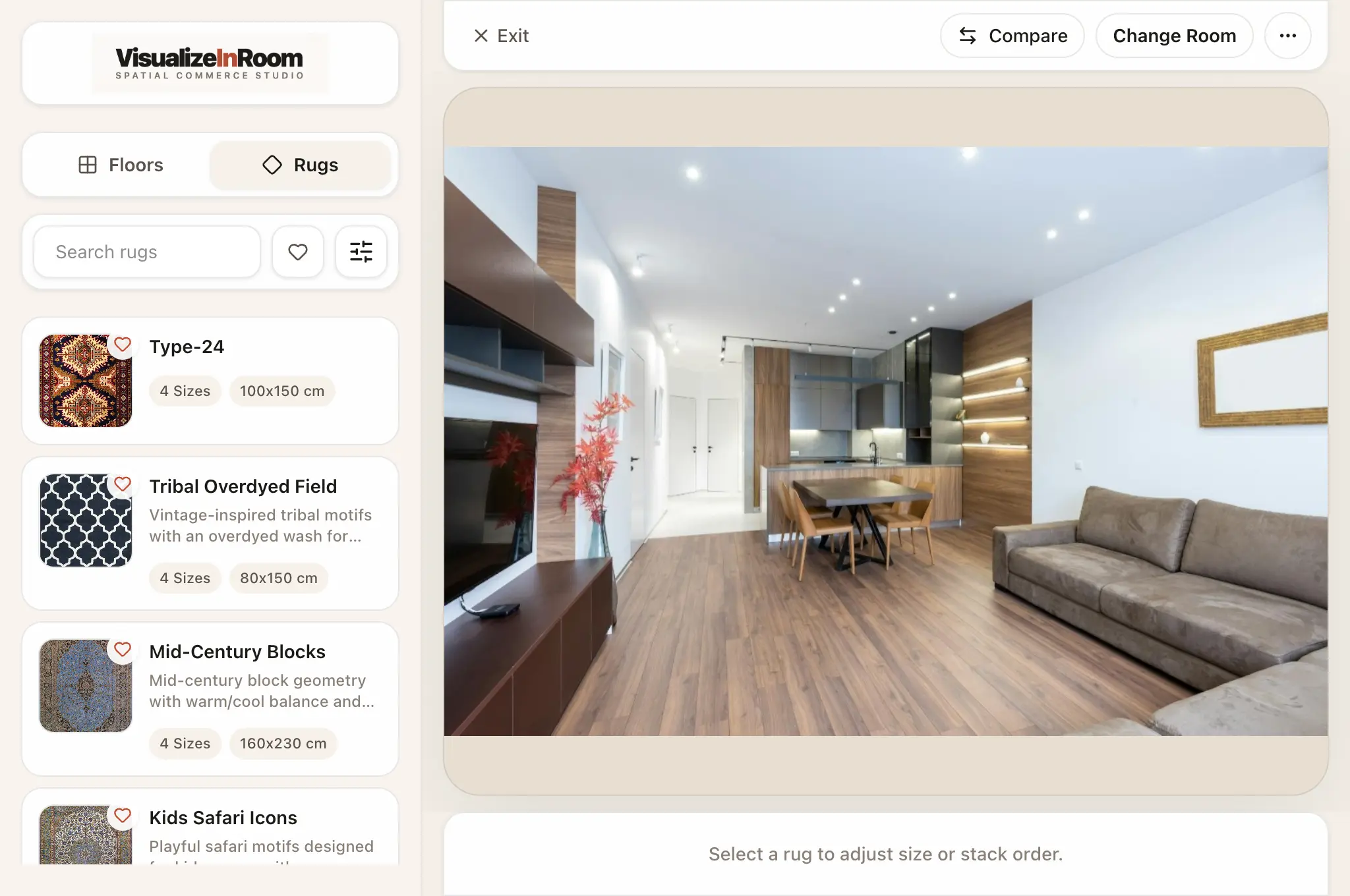
Catalog view
Products, variants, filters, and room context stay in one workflow.
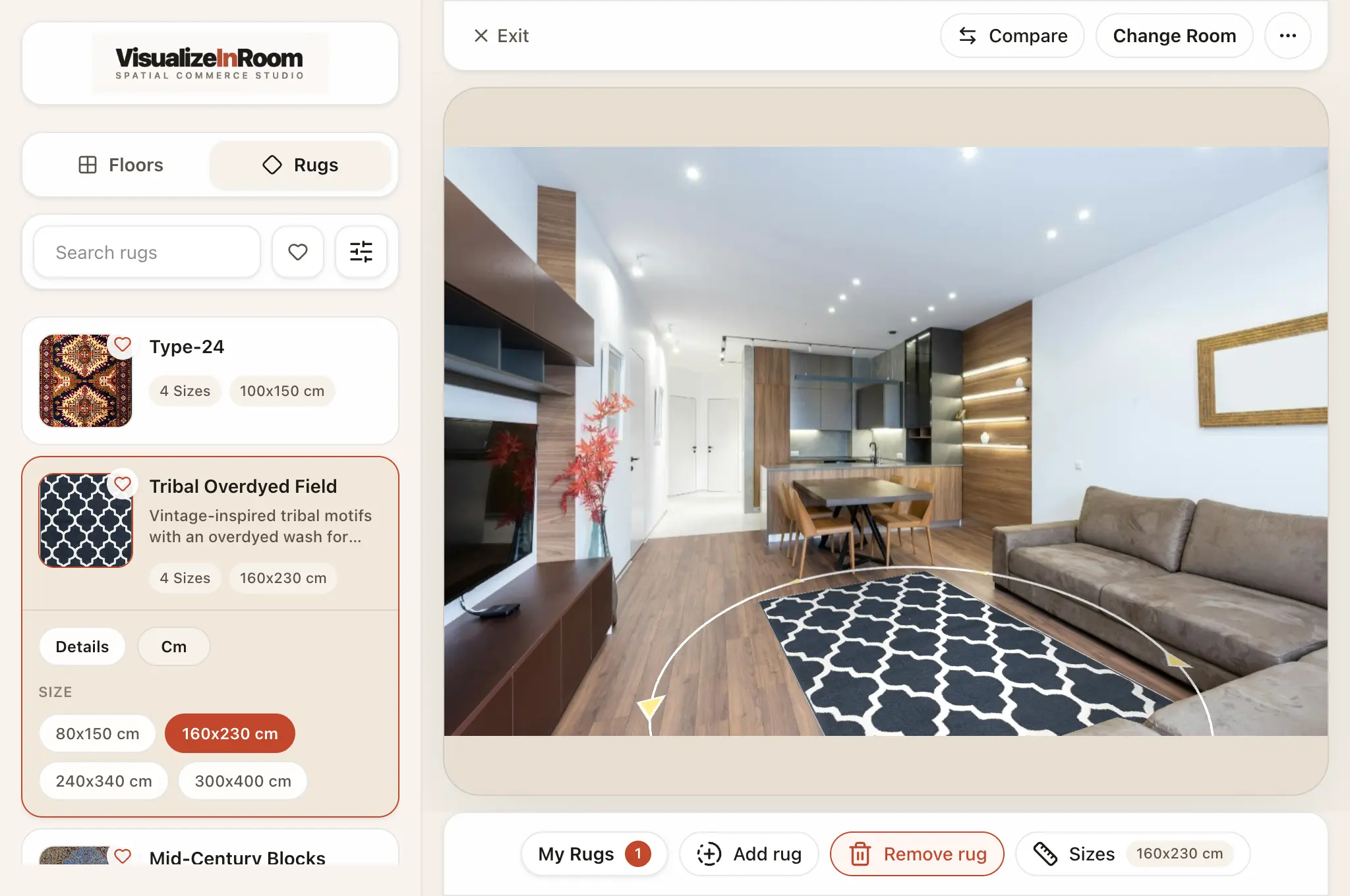
Scale controls
Selected sizes appear directly in the room before the buyer commits.
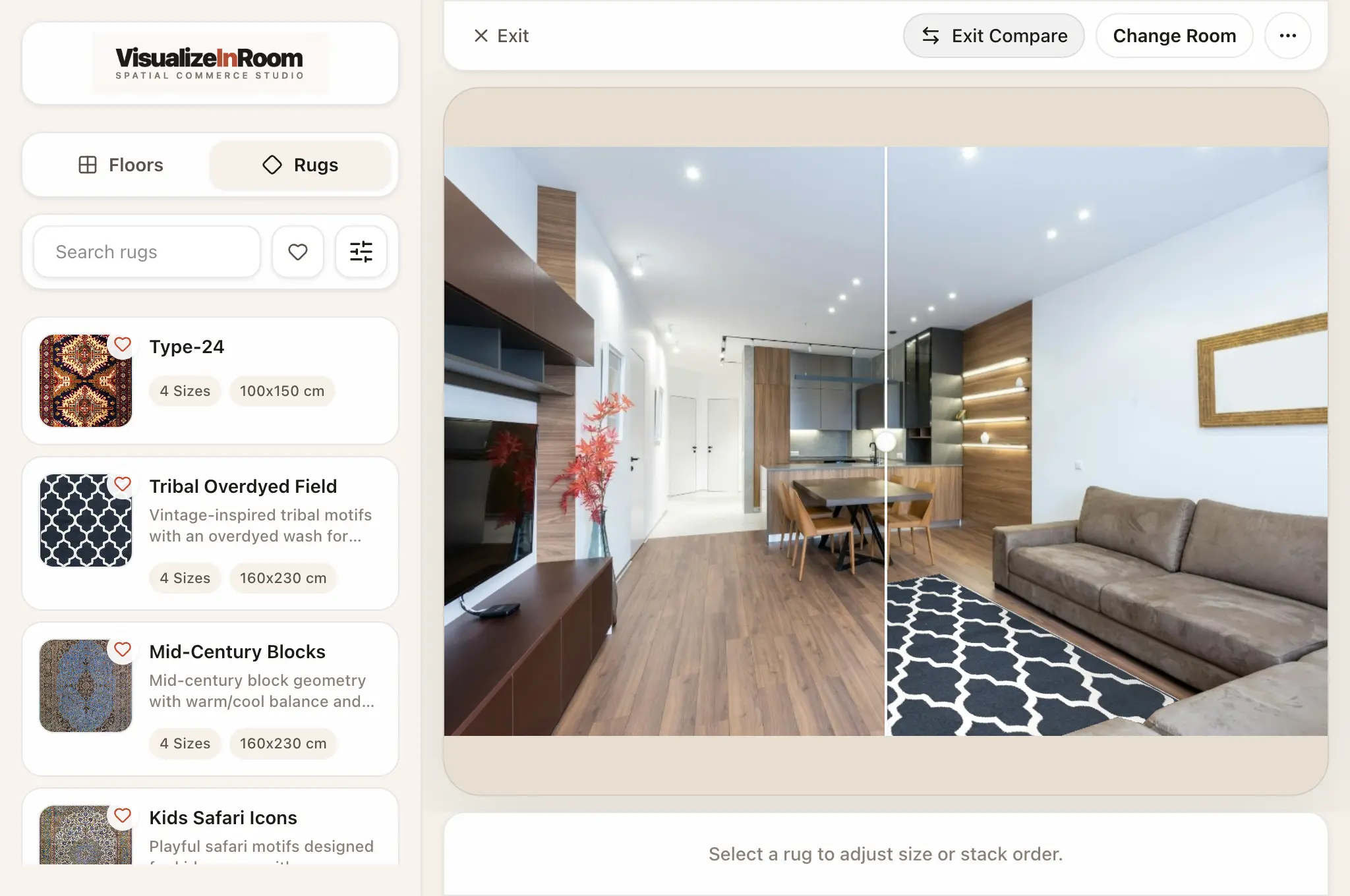
Compare mode
Before and after views make product fit easier to judge.
Book demo
Review product data, room inputs, and rollout path in one working session.